Invoices, quotations, payment links, an online catalogue and an AI business card for South African businesses. One account, on the web and on Android.
No credit card needed. After the trial, R189 a month.
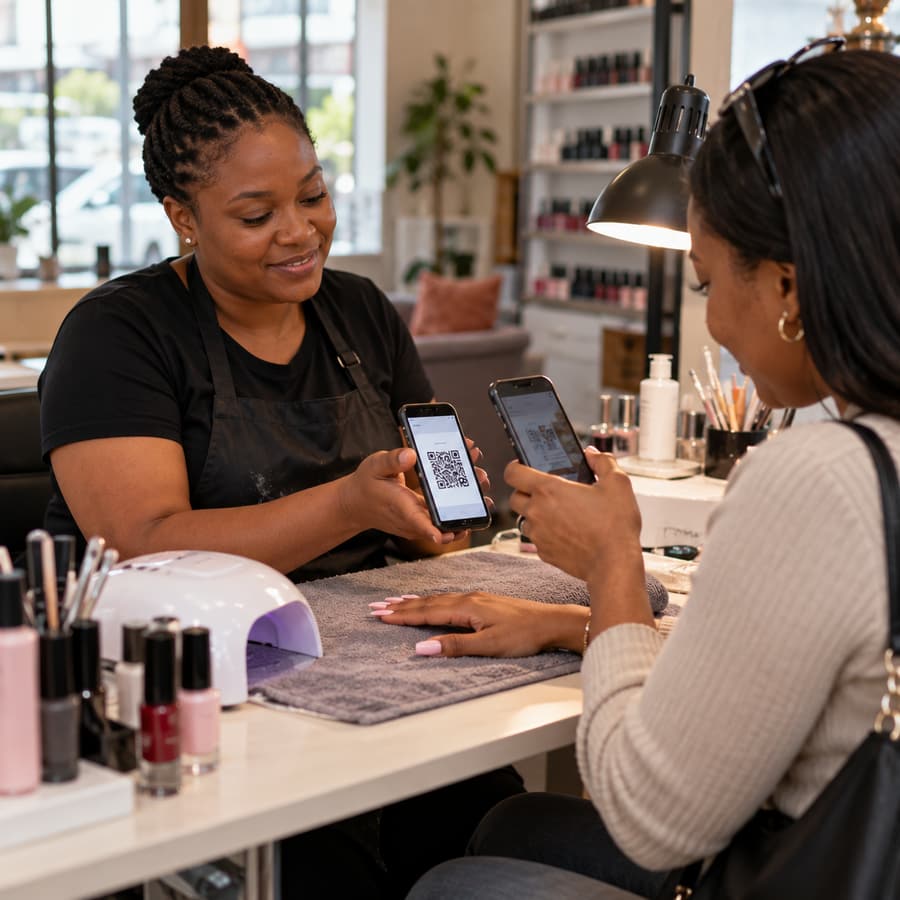
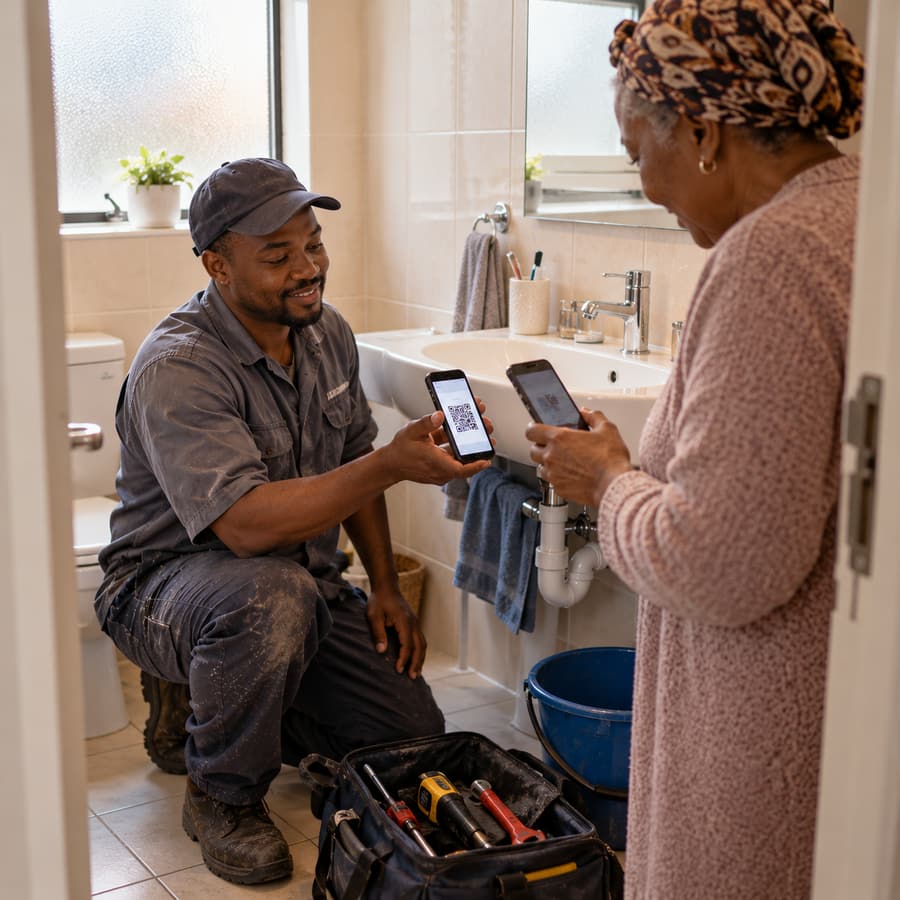
When the work is done, open the invoice on your phone and let your customer scan its QR code. They pay by card through PayFast or Yoco, or by EFT. Card payments mark the invoice paid by themselves; EFT you record with Mark as Paid.


Choose a design, add your logo and one of 60 theme colours, and every invoice and quotation follows. Customers open it from a secure link on any phone, without an account, and pay from the same page.
16 designs: Aurora, Classic, Compact Matrix, Corner Frame, Diagonal Header, Executive, Folio, Heritage, Ledger, Left Rail, Pulse, Ribbon, Slate, Studio, Studio Minimal and Summit.
QuickBill covers the whole job: capture the enquiry, quote for the work, invoice it, chase payment and see how the month went. All of it comes with every account; the AI, SMS and voice features use prepaid credit.
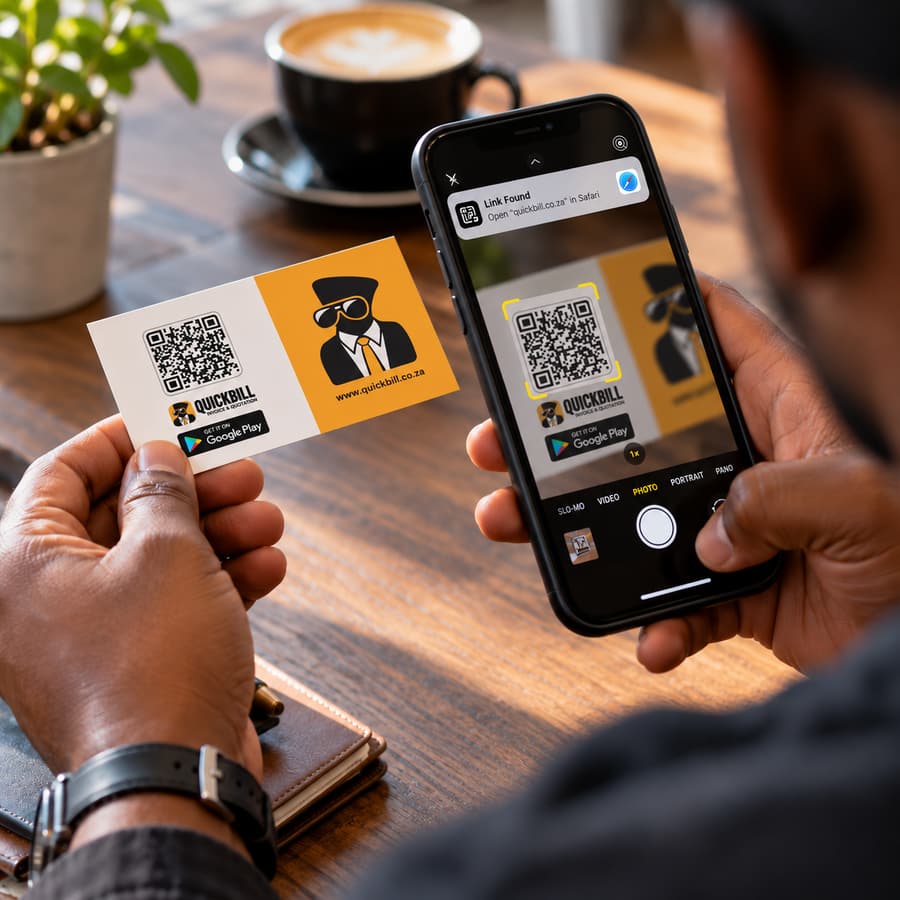
Every QuickBill account includes a business card at share.quickbill.co.za. Visitors see who you are, what you sell and how to reach you, save you to their phone, and chat to an assistant that answers for your business, day and night. Print its QR code on your QuickBill Card and one scan opens it.
A visitor taps Order, or tells the assistant what they want, and the catalogue opens with it in the cart. Your printed card's QR can open the card, the catalogue or a payment link, whichever you choose on the dashboard. The names and numbers people share are saved to your Leads. The card is included in every account; the assistant's replies come from AI credit, usually well under R1 a reply.
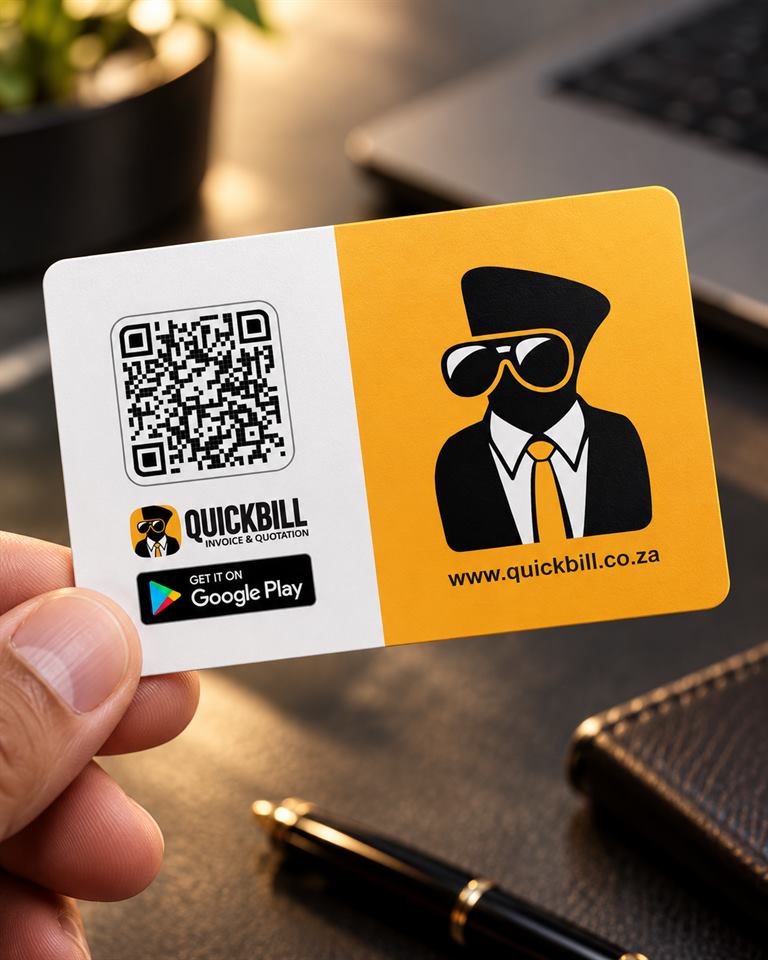
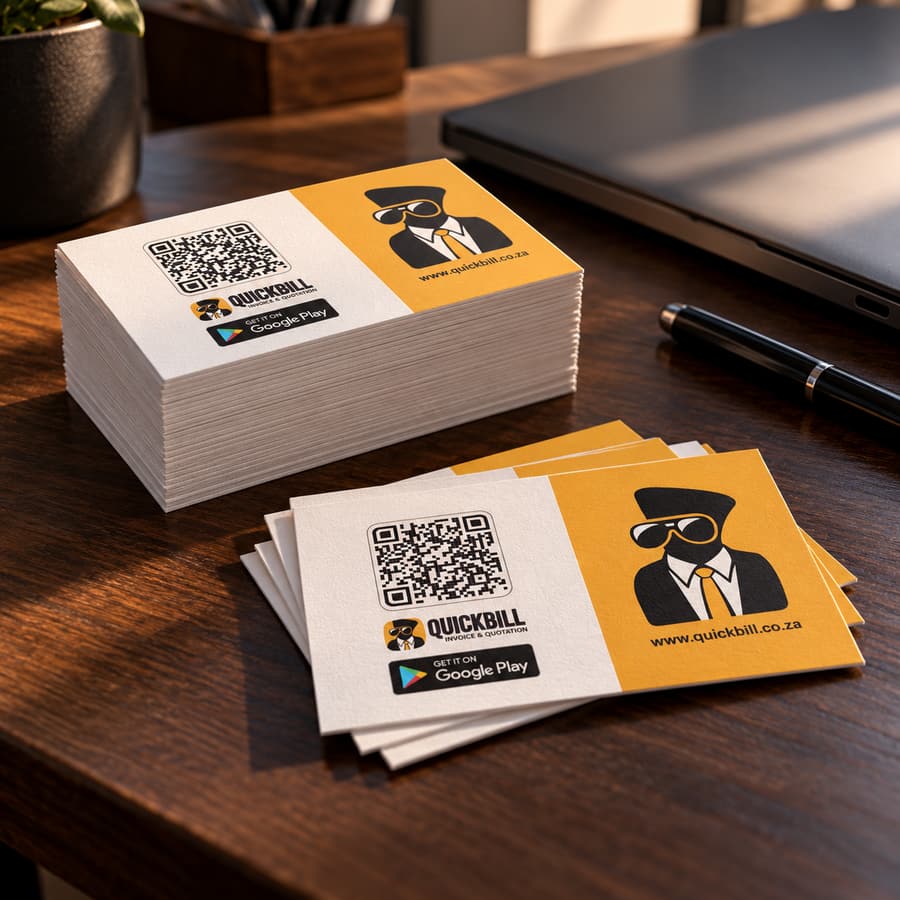
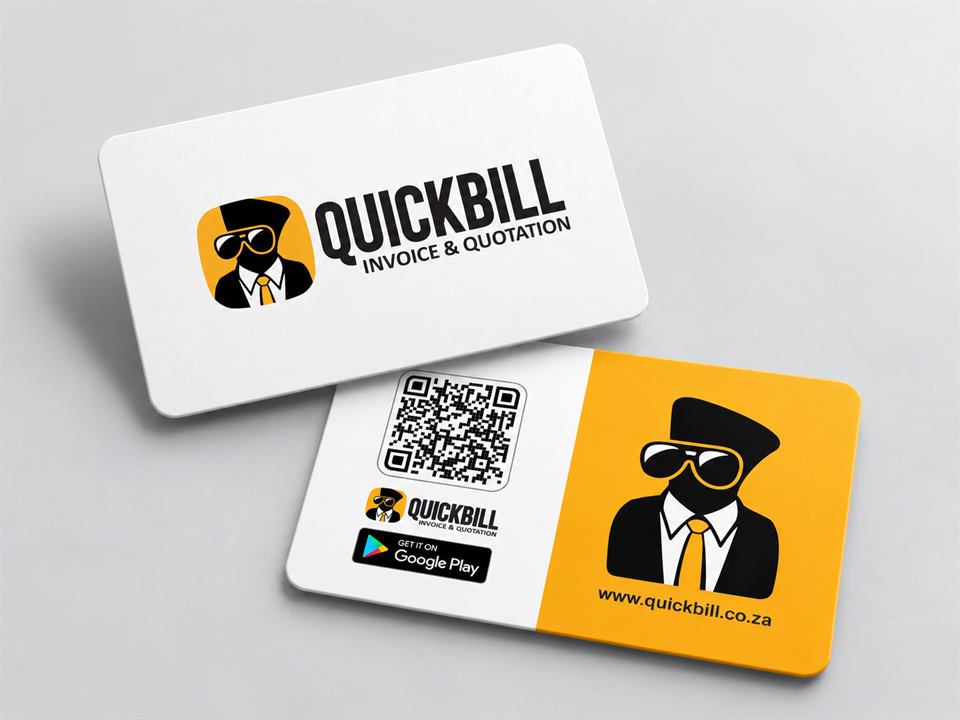
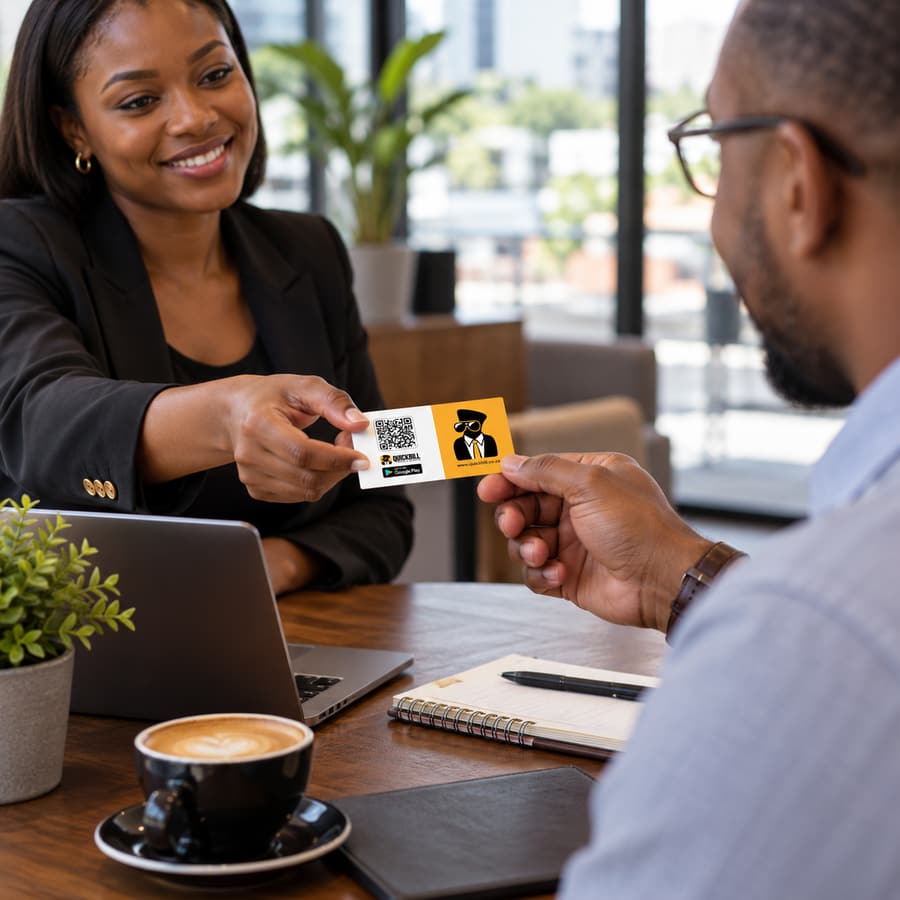
Hand out real business cards with your QuickBill QR code printed on them. Every scan opens your digital business card, so the people you meet see your services, prices and contact details as they are today, can save you to their phone, and can order or pay you on the spot. Change your details in QuickBill and every card you have already handed out shows the change. No reprint.
250 cards R785·500 cards R1 225·1 000 cards R1 655
The digital business card the QR opens is included in every QuickBill account.
Your artwork, your way. Every business card we print, the QuickBill Card and paper cards alike, can carry your own design: your logo, your colours and your layout, with your QR code built in.
On your phone too QuickBill for Android
The same account on the web and in the app: send an invoice from the job and check who has paid on the way home.
R189 per month
30-day free trial. No credit card required. Billed monthly.
From 30 November 2026 the price is R289 a month.
| AI creditFor Bill and the card assistant | from R350 |
| SMS1 credit = 160 characters to one number; up to 320 characters is 2 credits | R0.50 a credit |
| Voice minutes for BillNew accounts get 5 minutes free | 30 min R100 to 300 min R900 |
| WhatsApp messagesPrepaid credit, bought in the app | prepaid |
Cancel any time from Settings or by emailing support@quickbill.co.za. QuickBill stays usable until the end of the paid month.
Ask Bill inside QuickBill any time. When you would rather speak to a person, Bill gives you our WhatsApp, or reach us directly:
Businesses sign in to their account. Customers sign in with a PIN to see and pay the invoices sent to them.